Teams running workloads on Thalassa Cloud often still store credentials with a separate secrets service. Some run OpenBao or HashiCorp Vault themselves — which works, but adds operational overhead on top of the application stack: deployment, upgrades, backup, and ongoing monitoring. Others rely on another third-party tool or vendor. For organisations that use Thalassa for European data sovereignty, that keeps sensitive values outside the platform they chose for compute and storage.
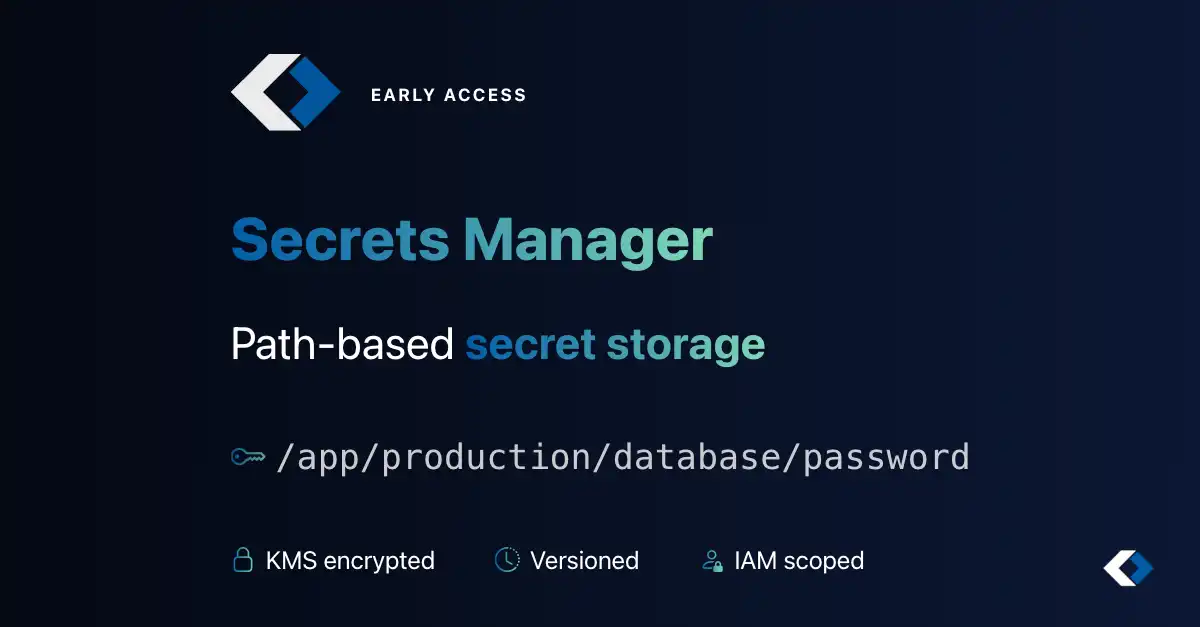
Thalassa Secrets Manager is a path-based secret store built into the platform. Teams that self-hosted OpenBao or HashiCorp Vault can move that responsibility to us; meaning no cluster to run, patch, or back up. Store passwords, API keys, certificates, and configuration at paths like /app/production/database/password, with automatic versioning, IAM access control, and optional IP and time-based policies. Secrets are encrypted at rest and covered by dedicated audit logging.
Secrets Manager is now in Early Access. General availability is planned for later in 2026.
How it works
Every secret is encrypted with a KMS key you choose at creation. That binding is immutable: the same key protects the secret for its entire lifetime. Versions are tracked automatically, access is governed by IAM, and optional IP and time-based policies add another layer of control on top.
Secrets Manager depends on
KMS in the target region. Sensitive operations require the bound KMS key to be active.
- Monotonic versions — add new values without losing history
- Destroy individual versions when credentials are rotated out
- Plain string, key-value maps, or platform-generated random secrets
Access policies and audit
Beyond IAM, you can attach optional IP/CIDR and time-window restrictions on read and write. Dedicated audit logging covers create, read value, put value, policy changes, and deletions — separate from generic API audit. Last-accessed timestamps are recorded on secrets and individual versions when values are decrypted.
What’s next
During Early Access we are collecting feedback on paths, policies, and API behaviour. Future development will focus on tooling and integrations — for example, native Kubernetes integration so workloads can consume secrets without custom sync scripts or sidecar glue code.
Get started
- Ensure KMS is enabled in your target region
- Open Secrets Manager in the console
- Create a secret at a path like
/myapp/staging/api-key and bind it to a KMS key
Learn more on the Secrets Management product page or in the Secrets Manager documentation.
European Public Cloud
DevOps-First Cloud
Deploy and manage your cloud-native applications with our European based public cloud. Access powerful APIs, Kubernetes orchestration, and DevOps tools designed for modern infrastructure.
GDPR Compliant
EU Data Sovereignty
API First
Terraform & REST API
Kubernetes
Self-Service Kubernetes as a Service
High Performance
NVMe Storage, CPU and network
 Thalassa Cloud