Every API call in your Thalassa Cloud organisation leaves a trace. Audit logs record who did what, when, and from where - VPC changes, Kubernetes cluster updates, KMS crypto operations, secret access, and failed authentication attempts. That trail is essential for incident response, access reviews, and compliance evidence.
Audit logging is enabled by default for every organisation. Entries are immutable: they cannot be modified or deleted through the API. You can browse logs in the console or query them via the audit API, but for compliance archives, SIEM ingestion, or periodic security reviews you often need a bulk export. That is what tcloud audit export is for.
What gets logged
Audit entries capture API activity. Each event includes an eventID, timestamp, action, resource type and identity, the acting user or service account, and request context such as client IP, HTTP method, path, and response status.
Sensitive services also write additional dedicated entries alongside the generic HTTP record;
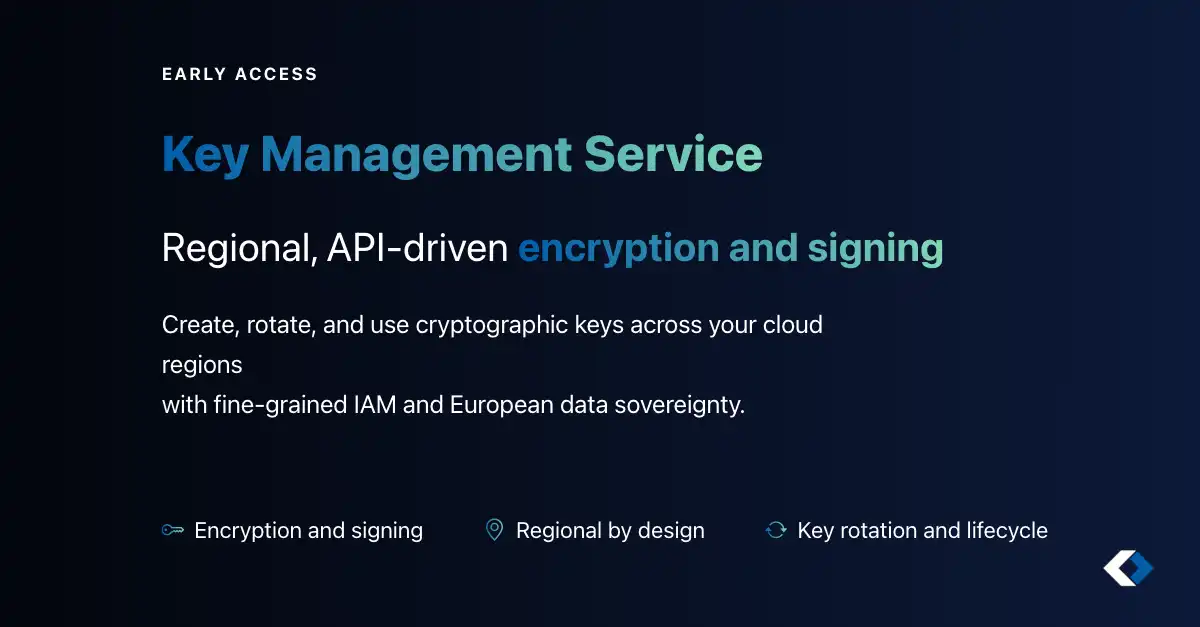
- KMS - encrypt, decrypt, sign, verify, HMAC, rotation, and export operations (
resourceType: kms_key) - Secrets Manager - secret creation, value reads and writes, policy changes, and deletions (
resourceType: secret) - Authentication - OAuth and token flows, including failed client credential grants
For the full field reference, security analytics endpoints, and IAM permissions, see the audit logs documentation.
Audit entries are retained for 14 days by default and permanently purged after that window. Plan exports within your organisation’s retention period, or contact your account team if you need a longer window.
Exporting
Prerequisites
Before exporting, make sure you have:
- The tcloud CLI installed and configured
- Authentication via a personal access token or OIDC credentials
- The
audit_log IAM permission (list / read) - included in the built-in org-auditor and org-admin roles
Basic export
Export audit logs from the past seven days to a JSON file:
tcloud audit export --since 7d --output audit-logs.json
Pipe directly to another tool by writing to stdout:
tcloud audit export --since 1d --output -
Verify the result:
cat audit-logs.json | jq '. | length'   # count entries
cat audit-logs.json | jq '.[0]'         # inspect first entry
Each export is a JSON array of audit entries in the same shape returned by GET /v1/audit.
Time range options
Use --since for relative windows:
tcloud audit export --since 24h    # last 24 hours
tcloud audit export --since 7d     # last 7 days
tcloud audit export --since 4w     # last 4 weeks
tcloud audit export --since 1mo    # last month
tcloud audit export --since 1y     # last year
For a fixed calendar range, use --from and --to:
tcloud audit export \
  --from 2026-05-01 \
  --to 2026-05-31 \
  --output may-2026-logs.json
Split large exports
Long retention pulls can produce very large files. Split exports by day, week, or month:
# one file per day
tcloud audit export --since 30d --daily

# one file per week
tcloud audit export --since 364d --weekly

# one file per month
tcloud audit export --since 1y --monthly
Daily splits produce files like audit-logs-2026-06-01.json, which are easier to ingest incrementally or attach to monthly compliance reports.
Filter what you export
Narrow exports to the events you actually need:
| Filter | Description | Example |
|---|
--action | Action type (HTTP method or service action) | --action DELETE |
--resource-type | Resource kind | --resource-type virtual-machine |
--user-identity | User identity ID | --user-identity user-xyz |
--service-account | Service account ID | --service-account sa-abc123 |
--resource-identity | Specific resource ID | --resource-identity vpc-abc123 |
--response-status | HTTP response status | --response-status 403 |
--search-text | Text search in descriptions | --search-text database |
Combine filters in a single command:
tcloud audit export \
  --since 7d \
  --action create \
  --action delete \
  --resource-type cloud_vpc \
  --output vpc-changes.json
Investigating KMS or secrets access? Filter on service-specific actions:
tcloud audit export \
  --since 7d \
  --action kms.decrypt \
  --action secrets.get_value \
  --output sensitive-access.json
For failed authentication patterns, you can also use the live GET /v1/audit/failed-auth endpoint or the pre-generated failed_auth security report - useful for triage before you export a broader window.
Final notes
Audit log storage and API access are included with the platform at no extra charge. Export regularly, stay within your retention window, and keep a copy where your compliance programme requires it.

 Thalassa Cloud